
Exit & Validator Withdrawal
In this guide, you'll learn how to exit and withdraw your validator using the stakefish API.
ImportantThis exit process is intended exclusively for Enterprise staking. The API keys discussed in this guide cannot be shared with third parties, particularly via web-based interfaces.
If you are using Client staking you should check Customer Exit & Validator Withdrawal.
Exit Validator
To initiate the exit of a validator, use the following API request:
curl -X POST "https://api.hoodi.stake.fish/eth/stake/v1/exit-validators-admin" \
    -H "Content-Type: application/json" \
    -H "Authorization: YOUR_SECURE_API_KEY" \
    --data '{
        "indices": [
          INDEX_1,
          INDEX_2,
          INDEX_n
        ]
    }'
Explanation of Fields:
INDEX_*: An array of validator indices you want to exit. Validators must be active for at least 256 epochs (approximately 1 day) before they can be exited.
Example Response:
After sending the POST request, you'll receive a response similar to the following:
[
  {
    "pubkey": "0x11111111111111111111111111111111111111111111111111111111111111111111111111111111",
    "validatorIndex": "10487",
    "successful": true
  },
  {
    "pubkey": "0x22222222222222222222222222222222222222222222222222222222222222222222222222222222",
    "validatorIndex": "20250",
    "successful": true
  },
  {
    "pubkey": "0x33333333333333333333333333333333333333333333333333333333333333333333333333333333",
    "validatorIndex": "50423",
    "successful": false,
    "reason": "Validator #50423 is already exiting"
  }

]
Your validators will begin the exit process. Exit times vary depending on network conditions and exit queue length — from minutes when the queue is empty to several days during congested periods.
Validator Withdrawal
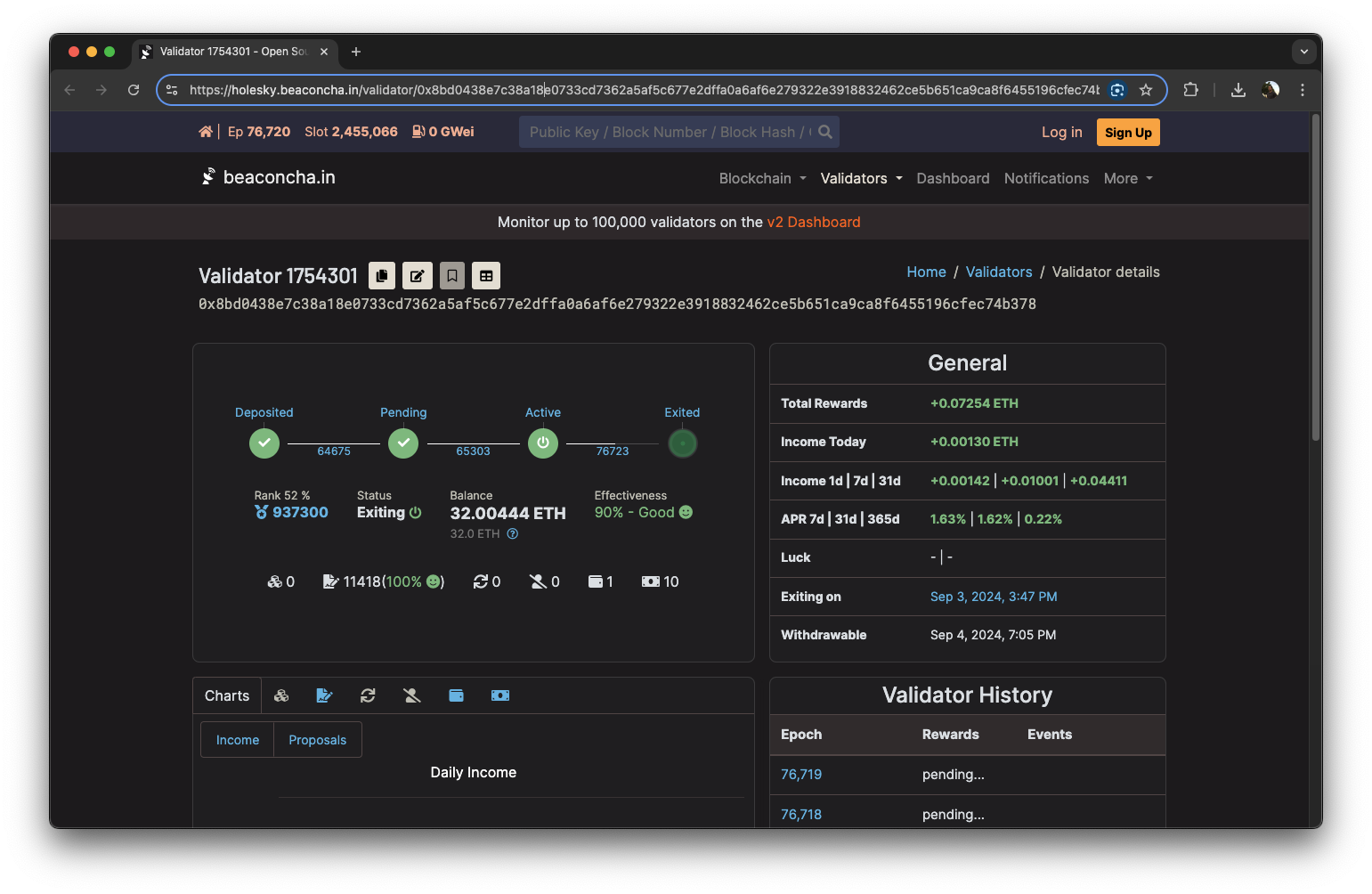
Validator withdrawals are fully automated. Once your validator has exited, staked funds are typically returned to your wallet (withdrawal credentials) within 1 to 5 days, depending on the exit queue and withdrawal sweep cycle. You can monitor progress on beaconcha.in.
If you want to check your withdrawal progress, refer to the Manage Validators guide or simply check the validator status on beaconcha.in
Alternative: Generate Exit Messages
If you prefer to broadcast exit messages independently, you can use the /v1/generate-exit-messages-admin endpoint to generate signed voluntary exit messages for your validators. This gives you full control over when and how exits are broadcast to the network.
Updated 11 days ago